If you want to set location for your cards, follow these steps:
- Make sure that your locations are expanded
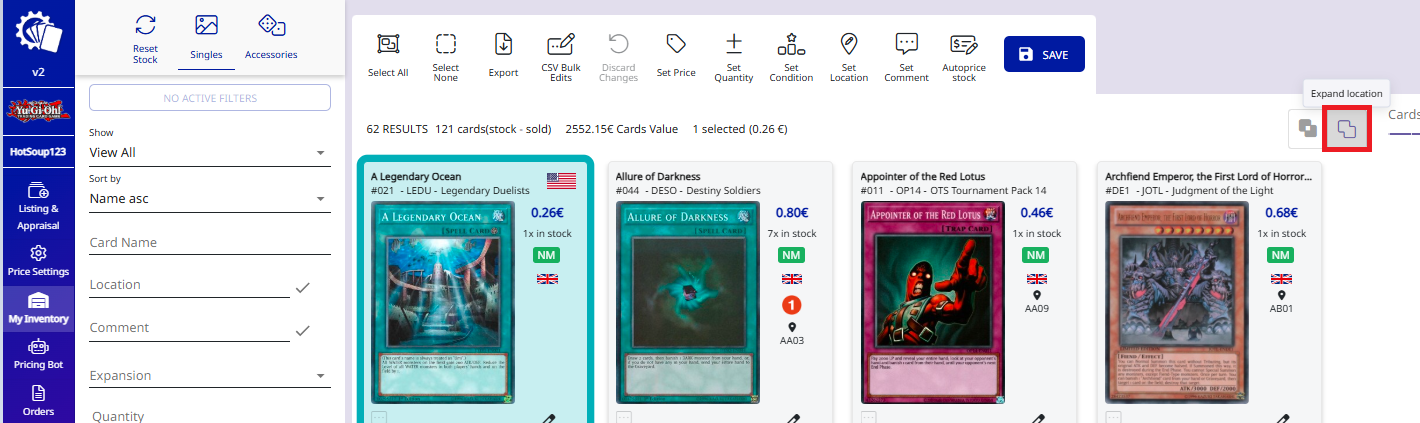
- Select the cards you want to edit
- Click on the "Set location" Icon
- Type the location

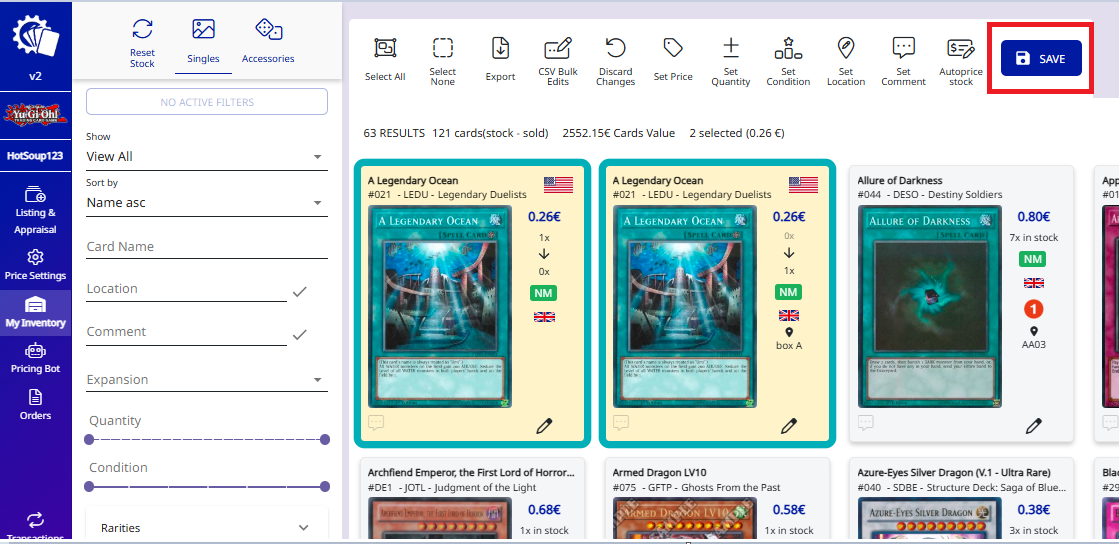
- Review the changes
- Click the SAVE button

If you want to set location for your cards, follow these steps: