Help Desk
Submit Help Request
Getting Started
Listing
Card Pricing
Inventory
Pricing Bot
Contact
Billing
Getting Started
Listing
Card Pricing
Inventory
Pricing Bot
Contact
Billing
How to Select Cards
Copy as Markdown
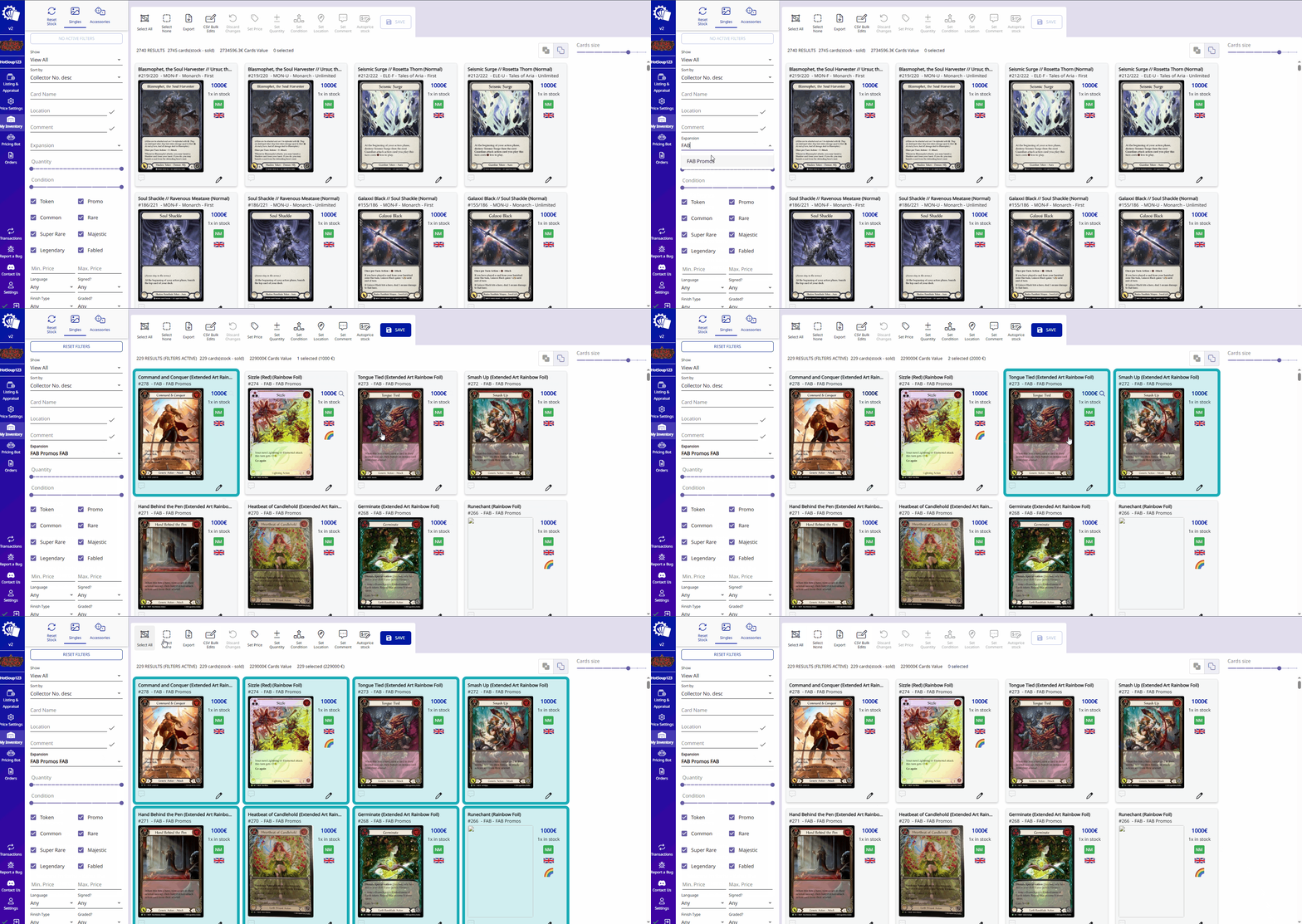
You can select articles by:
Clicking on the articles
Using the
Shift key + click
to select multiple articles at the same time
Clicking the
Select Results
button
*You can combine it with
Filters
to select a subset
How to use Price Suggest
How to select range of articles with Shift+Click
On this page